XnMeX
Posting Freak

Posts: 3839
Registered: 4-11-2004
Location: Dirty Dover, NH
Member Is Offline
|
|
Website Help...
I am trying to get this CSS Lightbox to work how I want it to and I am doing somthing wrong or somthing that is not possible (though I think it is
just me doing somthing wrong).
Without Box:
http://home.comcast.net/~route16designs/lightbox.html
With Box:
http://home.comcast.net/~route16designs/insidebox.html
CSS:
http://home.comcast.net/~route16designs/csstbox.css
My problem: The lightbox bax with the pictures... I am trying to get the pictures to display BELOW the box that I have the thumbnails in. If I take
of the DTD and remove the box around the thumbnails I can KINDA get it to work but I know whithout the DTD it will most likeliy look different in
certain browsers and obviously if it works without the DTD but not with it then there is somthing wrong.
|
|
|
BDx13
|
|
post a link to the original script.
If I fail math, there goes my chance at a good job and a happy life full of hard work.
|
|
|
XnMeX
Posting Freak
Posts: 3839
Registered: 4-11-2004
Location: Dirty Dover, NH
Member Is Offline
|
|
Without Box:
http://home.comcast.net/~route16designs/lightbox.html
With Box:
http://home.comcast.net/~route16designs/insidebox.html
CSS:
http://home.comcast.net/~route16designs/csstbox.css
|
|
|
BDx13
|
|
this is helpful, but i mean the original script. where you originally got the script from - hit me with a link to that site so i can see what this is
supposed to do.
If I fail math, there goes my chance at a good job and a happy life full of hard work.
|
|
|
BDx13
|
|
never mind.
find this:
.thumbnail:hover span{ /*CSS for enlarged image*/
visibility: visible;
top: 175;
left: 9px; /*position where enlarged image should offset horizontally */
z-index: 50;
}
replace with this:
.thumbnail:hover span{ /*CSS for enlarged image*/
visibility: visible;
top: 175;
left: 9px; /*position where enlarged image should offset horizontally */
top: 200px; /*position where enlarged image should offset vertically */
z-index: 50;
}
adjust those two numbers - 9 and 200 - until the fullsize images display where you want them.
If I fail math, there goes my chance at a good job and a happy life full of hard work.
|
|
|
XnMeX
Posting Freak
Posts: 3839
Registered: 4-11-2004
Location: Dirty Dover, NH
Member Is Offline
|
|
THANK YOU!!! I had been trying to figure this out on my own with no luck. I think I had tried putting "vertical" in there instead of "top" for the
adjustment. Duh!
PERFECT!
|
|
|
BDx13
|
|
keep reading up on w3school.
top, left, bottom & right are basic principals of positioning in the css box model.
move that shit!
If I fail math, there goes my chance at a good job and a happy life full of hard work.
|
|
|
wez138
Senior Member
Posts: 651
Registered: 12-1-2009
Member Is Offline
Mood: TMMB's.
|
|
wow, i never knew you guys spoke chinese.
Living a life kept shut by a dream,
I'm reaching out to grasp my reality.
Hands of time wrap tight around my neck, and hit me so hard,
leaving me eyes black.
staring at a ceiling,
wondering why i never left,
penning words in a notebook,
wondering why haven't slept.
sanity is tapping in a cell
inside my fucking head.
begging for redemption
after hearing what was said.
the nights, they will not sleep
cause the days, have played for keeps.
|
|
|
XnMeX
Posting Freak
Posts: 3839
Registered: 4-11-2004
Location: Dirty Dover, NH
Member Is Offline
|
|
Now I am trying to center it and not having luck. I figure it has to do with that same block of code. I am able to center the main box but I am
trying to center where the images display.
I hit up W3 but it's still not clear to me...
|
|
|
BDx13
|
|
center what?
tthe whole thing in the middle of the page?
or the fullsize images when they display below the thumbs?
If I fail math, there goes my chance at a good job and a happy life full of hard work.
|
|
|
XnMeX
Posting Freak
Posts: 3839
Registered: 4-11-2004
Location: Dirty Dover, NH
Member Is Offline
|
|
| Quote: | Originally posted by BD
the fullsize images when they display below the thumbs? |
The displayed images. I have the thumbs incorporated into a centered webpage just fine but the displayed images come off on the left. I know I could
add pixel size to the left but then that would make it look right on my resolution but not other peoples.
If I am being a pain in the ass, let me know! 
|
|
|
BDx13
|
|
first... delete this line:
top: 175;
not sure how i missed that the first time.
without tearing the whole thing apart, the centering of the fullsize images gets a littl tricky.
you can fake the centering by making all the full size images the same width, however.
lets say the thumbnail bar is 450px wide and all of your fullsize images are 300 pixels wide. divide the difference in half, then make that the value
for your left positioning.
If I fail math, there goes my chance at a good job and a happy life full of hard work.
|
|
|
wez138
Senior Member
Posts: 651
Registered: 12-1-2009
Member Is Offline
Mood: TMMB's.
|
|
And fluent esperanto.
Living a life kept shut by a dream,
I'm reaching out to grasp my reality.
Hands of time wrap tight around my neck, and hit me so hard,
leaving me eyes black.
staring at a ceiling,
wondering why i never left,
penning words in a notebook,
wondering why haven't slept.
sanity is tapping in a cell
inside my fucking head.
begging for redemption
after hearing what was said.
the nights, they will not sleep
cause the days, have played for keeps.
|
|
|
XnMeX
Posting Freak
Posts: 3839
Registered: 4-11-2004
Location: Dirty Dover, NH
Member Is Offline
|
|
| Quote: | Originally posted by BD
lets say the thumbnail bar is 450px wide and all of your fullsize images are 300 pixels wide. divide the difference in half, then make that the value
for your left positioning.
|
Would work for my resolution but not others or if the window is minimized / maxamized differently... Here are some screen shots of what I mean.
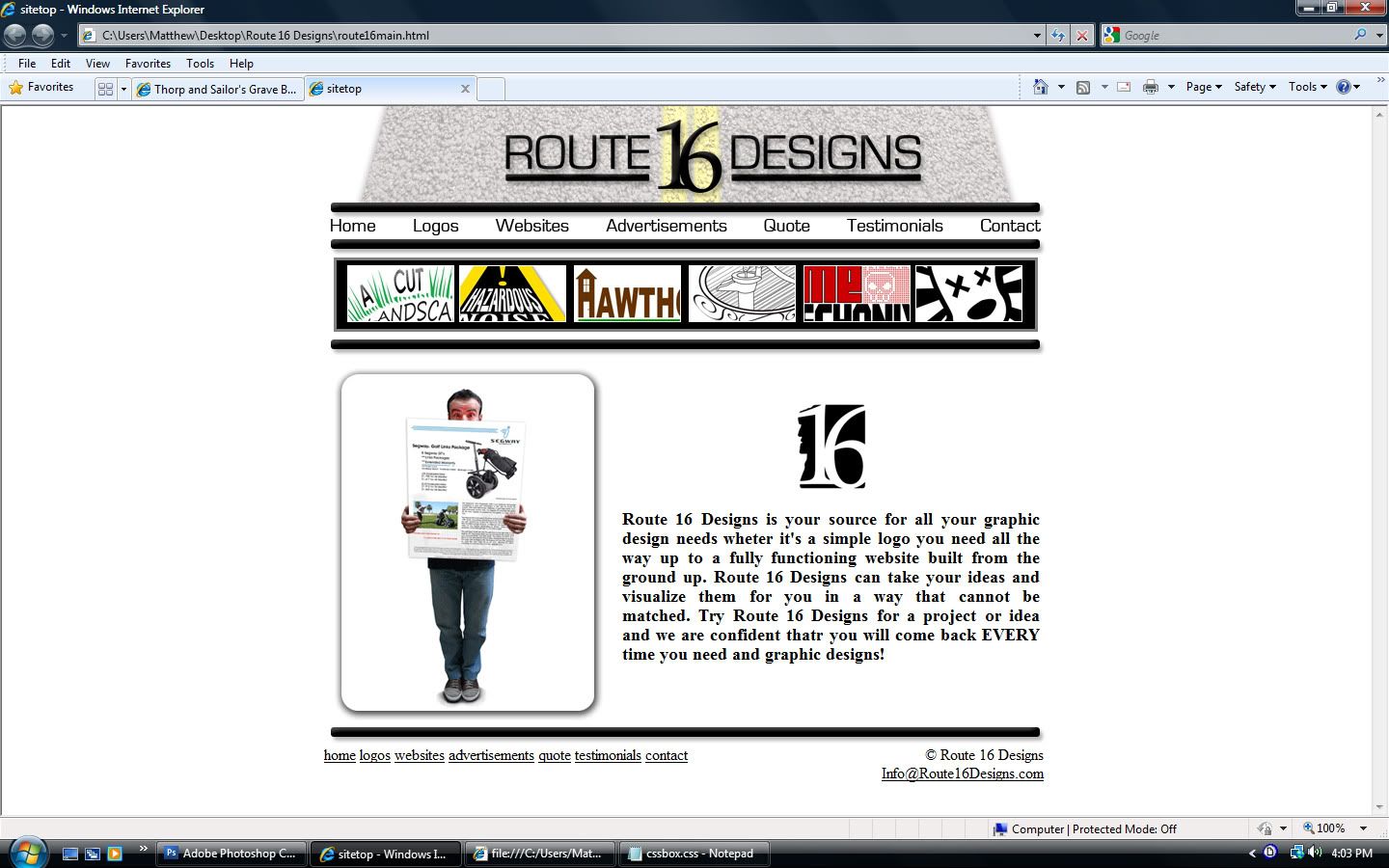
With no mouse action
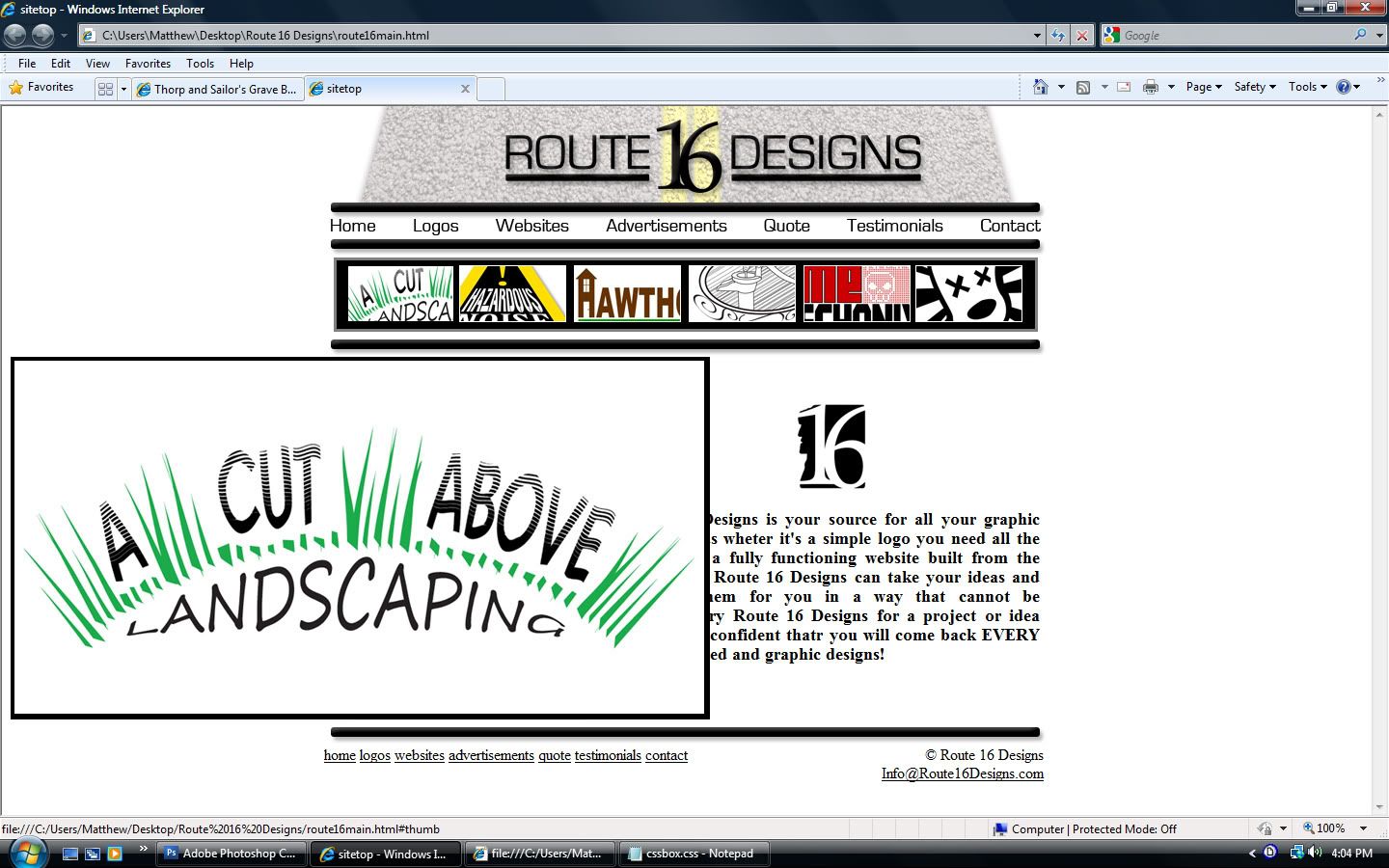
Mouse over thumbnail (maximized)
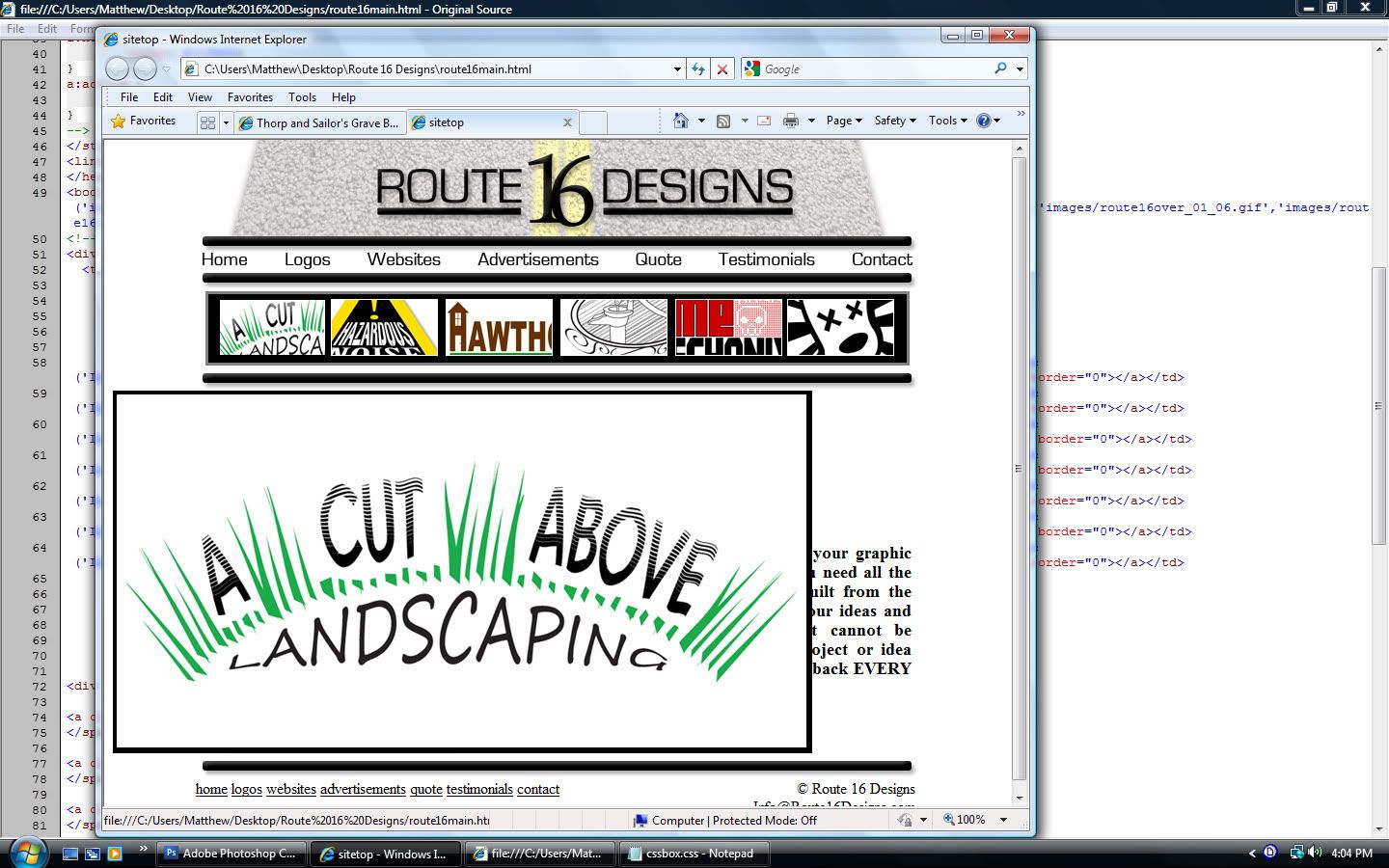
Mouse over thumbnail (not maximized)
|
|
|
BDx13
|
|
it can still be done. the positioning has to be coded as 'relative' to a bounding box, not 'absolute' to the browser window.
how have you centered the rest of the content? i recommend this technique in almost every instance: http://www.bluerobot.com/web/css/center1.html
If I fail math, there goes my chance at a good job and a happy life full of hard work.
|
|
|




![[*]](images/thorp/default_icon.gif)